Create the story
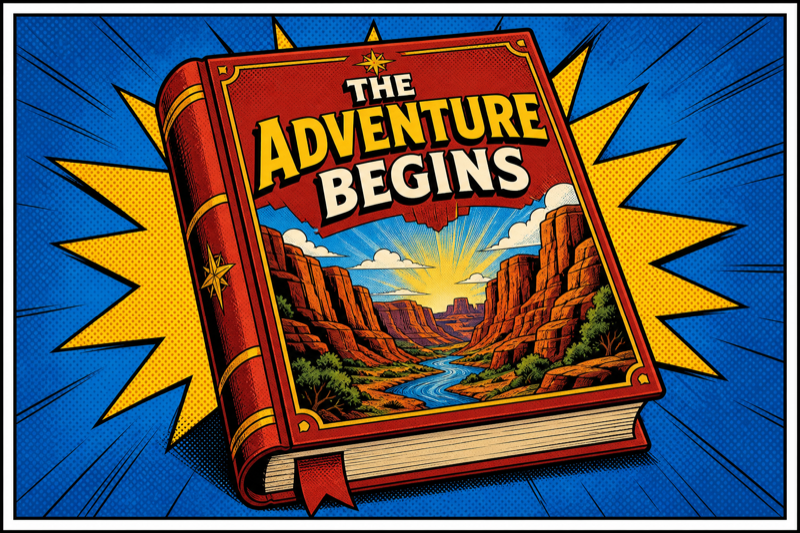
Outline screenplays with text providers you connect.
Plan scripts, character bibles, locations and scenes in one workflow. Connect your own provider API keys — usage is billed by them, not us. Your subscription unlocks studio features, not generation credits.
Tomson Studio is subscription software for planning and producing short films. We do not sell image, video or text generation. You connect your own Google or OpenRouter accounts; any usage fees go to those providers at their prices.
Outline screenplays with text providers you connect.
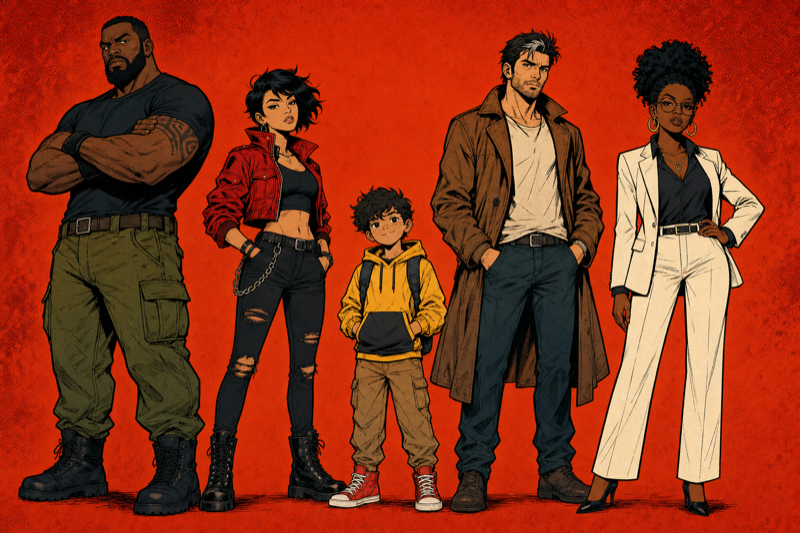
Upload or create reference sheets — reuse in every scene.
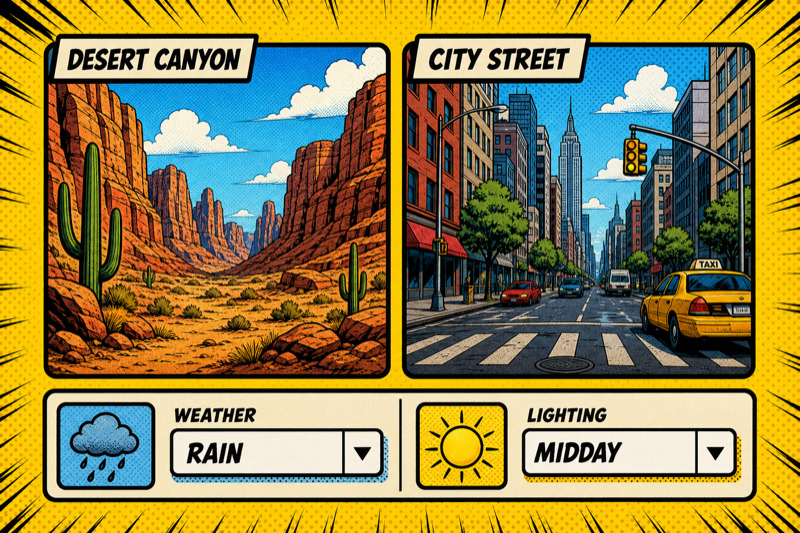
Lock your world so nothing drifts between shots.
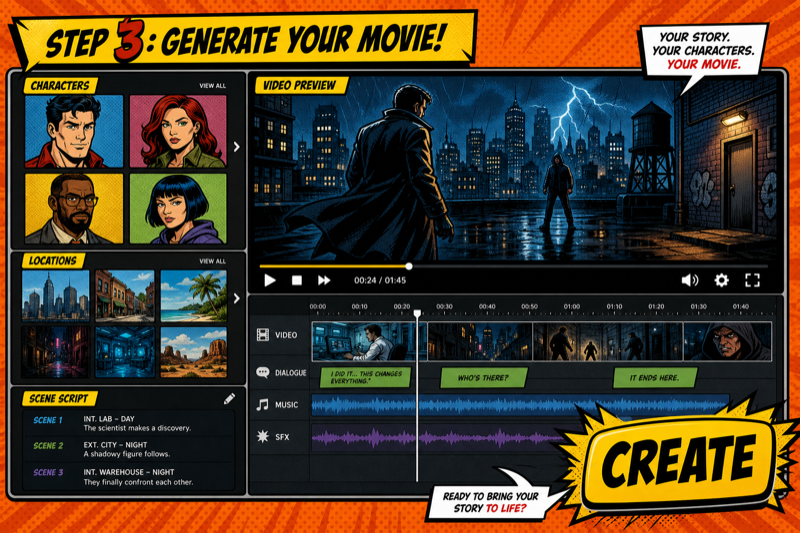
Orchestrate shots with your connected providers, then stitch & download.
Tomson Studio keeps your project organized from the first character bible to the final stitched cut — one subscription, your own providers.
Upload or create a character reference sheet once, then reuse the same look across every scene in your project.
Define reusable locations and attributes so the world around your characters never drifts.
Draft and edit screenplays with text providers you connect — then refine the script in the studio.
Send each shot through the video provider you choose — billed by them via your API keys, not bundled in our subscription.
Each shot can continue from the previous frame, so cuts feel intentional — not jarring.
Select scenes, combine them into a single clip, and download — all in your browser.
Tomson Studio orchestrates your workflow. You connect provider API keys and pay those services directly — we charge only for software access.
Bring your own keys: connect Google or OpenRouter in the app. Provider usage is billed by them — Tomson Studio charges only for software subscription.
Pay for software access. Connect your own provider keys separately — usage fees go to Google, OpenRouter and other services you choose.
Everything you need to try the full production pipeline.
Unlimited projects, scenes and exports — software subscription only. Provider usage billed separately by you.
Reminder: plans cover Tomson Studio software only. We do not resell or bundle third-party provider usage.
Your subscription pays for access to Tomson Studio software — project limits, scene limits, stitching and export. We do not sell or bundle AI generation credits. Any costs from Google, OpenRouter or other providers are billed by them using your own API keys.
Yes — Tomson Studio works with your own Google and OpenRouter keys. You pay providers directly for any provider usage at their prices, with no markup from us. Your keys are stored encrypted and are never exposed to the browser.
You create a character reference sheet once — from a prompt or an upload. Every scene that features that character passes the sheet to your connected video provider as a reference, so the same look carries across shots.
Google (Veo, Nano Banana and related APIs) and OpenRouter (Seedance, Kling, Claude, GPT, Gemini and others). You choose the provider per shot; Tomson Studio orchestrates the workflow — it does not resell their services.
Full access to the production workflow — characters, locations, scripts, scenes, stitching and export — limited to 1 project, 2 characters, 2 locations, 2 attributes and 2 scenes. Enough to evaluate the software before upgrading.
Yes. The subscription is billed monthly and you can cancel with one click — your account returns to the free tier at the end of the billing period. See our refund policy for details.
Spin up a project, build your cast, and produce your first scene — free to start, your providers, your keys.
Start free